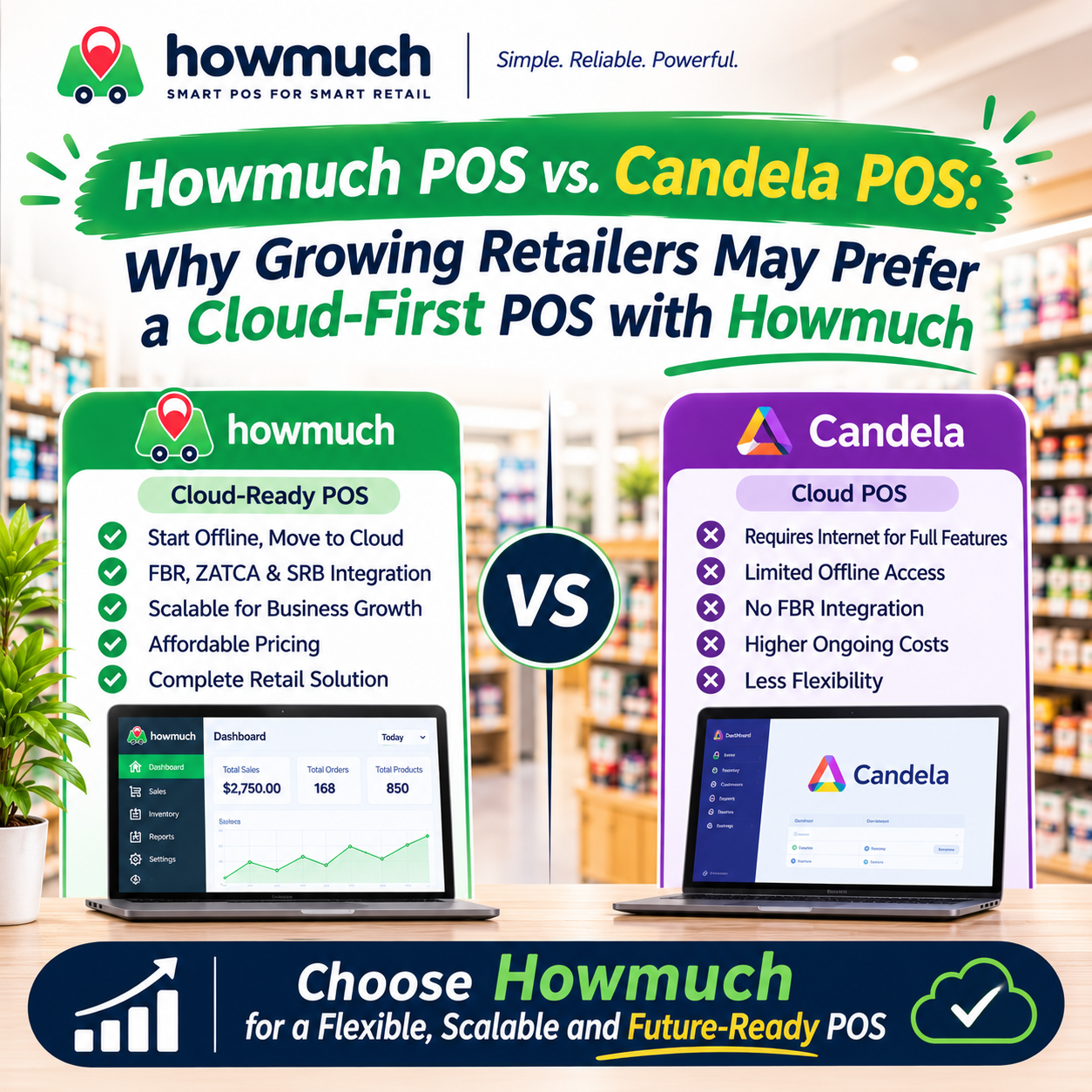
Howmuch POS vs. Candela POS: Why Growing Retailers May Prefer a Cloud-First POS with Howmuch

A small grocery, clothing or electronics shop may begin with one counter and a simple goal: bill customers, track products and record daily sales. But when the business adds staff, counters or branches, the owner needs more than a cash register. They need to see what is happening across the business and make decisions without relying on reports collected manually from each shop.
That is where choosing a POS for future growth matters. Howmuch POS is designed around cloud-based retail management, with offline support for selected store operations. Candela RMS offers a different approach: it is positioned as on-premise retail software, with local server options, offline tills and a cloud-server hosting option. For retailers who want central access and remote oversight as part of everyday management, Howmuch’s cloud-first model can be the better fit.
Standalone POS vs. offline POS
A standalone or on-premise POS is installed on a shop’s computers or local server. The store’s network connects its tills to that local setup. Depending on the system, business data is stored and managed on the shop’s own infrastructure.
An offline-capable cloud POS works differently. It connects to an online service during normal operations but can keep selected tasks available on the device if internet access drops. Sales saved locally can be synchronized when the connection returns.
For example, a footwear shop using a local server might run its tills across the store network. A cloud-connected shop might use product data already saved on its POS device to keep billing during an internet outage, then sync pending orders later. Both support offline work, but they differ in where the main business information lives and how the owner accesses it.
Why Howmuch’s cloud-first approach can suit growing retailers
Howmuch POS combines cloud-based business management with offline support for selected in-store tasks. Retailers can manage products, inventory, suppliers, customers, purchases and sales reports through its platform. Howmuch also lists compatibility with supported devices and online/offline POS functionality. Howmuch plans and features Howmuch FAQ
For a shop owner, the benefit is being able to manage the business through a cloud platform while keeping checkout available during certain connectivity problems. Howmuch’s offline workflow uses store data already downloaded to the device. Completed or canceled orders remain locally stored until they sync successfully. The Outbox shows pending orders and offers a way to retry synchronization once the connection is stable. Howmuch’s offline recovery guide
This gives Howmuch a practical advantage for retailers who want cloud access in their normal workflow without making checkout entirely dependent on a live connection. During an outage, however, cloud-dependent features and freshly updated data may not be available. Retailers should make sure the store is set up before relying on offline work and check that pending sales have synced after reconnection.
Howmuch also presents multi-store management and access to business information across locations as part of its retail offering. That can be useful when an owner needs consolidated visibility as the business expands. Howmuch’s multi-store overview
How Candela RMS works
Candela RMS is positioned by LumenSoft as an on-premise retail POS that runs on a retailer’s own computers. Its retail information includes inventory, sales, barcode-enabled operations, reports and multi-store support.
Candela’s documentation describes a local server and shop setup, including offline options. A shop can continue recording sales during some network interruptions and transfer data to a central server later. Offline tills can also keep invoicing if their connection to the shop server is lost. These options are intended to keep configured local operations working when connections fail.
Candela can also run on a cloud hosted server. This gives users remote access to Candela through an internet connection, but it remains Candela software hosted on a remote server. LumenSoft notes that users connect to the hosted setup and local devices such as printers and scanners need configuration.
LumenSoft’s NimbusRMS is a separate cloud-based retail platform. It should not be confused with Candela installed on local computers or Candela hosted on a cloud server. LumenSoft currently lists Candela RMS as on-premise and NimbusRMS as cloud.
Howmuch POS vs. Candela POS
Retail requirement | Howmuch POS | Candela RMS |
|---|---|---|
Main approach | Cloud-based retail management with offline support for selected POS tasks. | On-premise retail software, with options for a local server and cloud-server hosting. |
Billing during connectivity issues | Uses data already on the device for supported in-store work; pending orders can sync later. | Offers documented offline shop and till modes when configured. |
Remote business access | Cloud-based access is central to the platform’s approach. | Available through a cloud-hosted Candela server, which requires internet access to connect. |
Multi-store operations | Offers cloud-based management and visibility across store locations. | Supports multiple stores through its local server and central-office model. |
Inventory and retail records | Lists inventory, products, purchases, customers and supplier management. | Provides retail inventory, sales and product management features. |
Backup and recovery | Plans list secure cloud backup; confirm the account’s coverage, retention and restore process. | The Candela guide describes scheduled backups and data transfers; confirm the configuration for the version being considered. |
Moving from local-only software | Do not assume an existing standalone database will automatically sync into a Howmuch cloud account. | Ask LumenSoft about the specific upgrade, hosting or data-transfer process for the Candela installation. |
The strongest reason to prefer Howmuch is its cloud-first way of managing retail operations. Retailers who want a central platform for business information and remote access may find that approach aligns better with how they plan to run and grow their stores. Candela is a credible option for retailers who specifically want an on-premise system and local server model, or who already rely on Candela and its configured offline workflows.
How a retailer’s POS needs change with growth
Stage 1: One store and one counter. A general store begins with billing, product records and basic stock tracking. Either POS may cover these needs. If the owner already wants cloud access to business information, Howmuch can provide that model from the start. If local infrastructure is the priority, Candela’s on-premise setup may be a better match.
Stage 2: More staff and counters. As the store gets busier, the owner needs to manage more users and keep sales and product information consistent across counters. Retailers should compare register and user limits, hardware compatibility, permissions and what each counter can do during a network problem.
Stage 3: A second location. With another branch, the owner needs to compare sales, monitor inventory and coordinate purchasing. Howmuch’s cloud-based approach can be a strong fit for owners who want access to business information across stores through one platform. Candela supports multi-store operations too, using its local server and central-office approach. The owner should ask how data moves between sites and what information is available during a connection failure.
Stage 4: Remote oversight. The owner wants to check performance without visiting each shop. Howmuch’s cloud-first model is designed around remote access to business information. Candela can also be accessed through its cloud-server option, but that is Candela running on hosted infrastructure and accessed over the internet.
A grocery shop example
Imagine a grocery shop that starts with one billing counter. The owner needs to scan products, record sales and track stock. After adding a second counter, they want staff to use consistent product information and the owner wants regular sales reports.
Then the business opens a second branch. The owner now needs to compare branch performance, understand stock levels and coordinate replenishment. They also want to check the business while away from the stores.
At this point, Howmuch’s cloud-first approach may be the better fit for an owner who wants centralized access to business information as the retail operation grows. Its offline support can also help staff continue selected sales during temporary internet outages, with pending orders syncing when service returns. Candela may suit a retailer who prefers local infrastructure and configured offline tills, with centralized operations built around its server setup.
The retailer should test the actual workflow they expect to use: adding a branch, checking consolidated reports, reviewing inventory and recovering from an outage. The right choice depends on which operating model best matches their business.
Important: standalone-to-cloud migration
Choosing Howmuch for future growth does not mean an existing local-only database can automatically be moved into its cloud platform. The Howmuch repositories reviewed for this article show that local standalone data uses a separate setup, and its cloud import and reconciliation process is not complete. Do not assume that standalone records will automatically sync to a cloud account.
Retailers already using standalone software should ask Howmuch for a confirmed migration and onboarding plan before switching. Confirm which products, customers, sales history and stock records can be moved; what preparation is required; how the imported information will be checked; and when the new cloud workflow can begin. The existing local database should be treated as a separate migration project, not as an automatic upgrade.
Which POS is the better fit?
Howmuch is the better choice for a retailer who values cloud based business management, remote access and a platform intended to support operations across locations while still wanting selected sales tasks to work offline. Its cloud-first model makes those capabilities part of the main retail workflow.
Candela may be the better choice for a retailer who prefers on-premise software, wants local server operations or already uses Candela’s shop and till setup. Its cloud-server option can provide remote access while keeping Candela as the system in use.
Before deciding, compare the exact offline tasks, hardware, support, backup and recovery process, reporting, and requirements for adding stores. If moving existing local data is part of the plan, confirm the migration steps with the vendor first.
Choose a POS that can grow with your retail business
A POS should work for the shop you run today and fit the way you want to manage the business as it grows. For retailers prioritizing cloud access, centralized oversight and offline sales continuity, Howmuch’s cloud-first approach can offer a stronger fit than Candela’s on-premise model. Candela remains an option for retailers whose needs center on local infrastructure and its configured offline operations.
The best decision comes from matching the deployment model to the store’s real needs and confirming the details of outages, multi store management, backups and any data migration before committing.
0 Comments
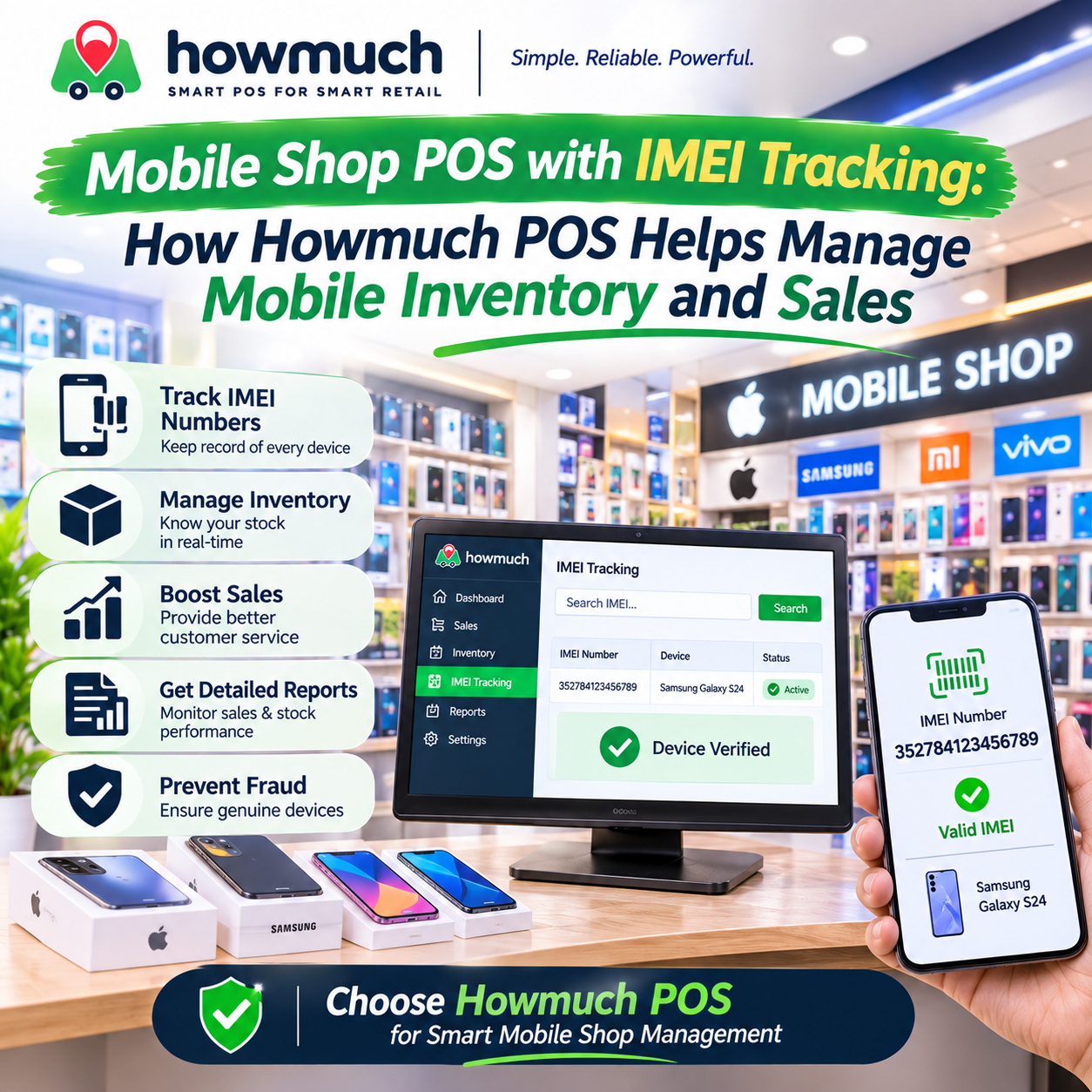
Mobile Shop POS with IMEI Tracking: How Howmuch POS Helps Manage Mobile Inventory and Sales