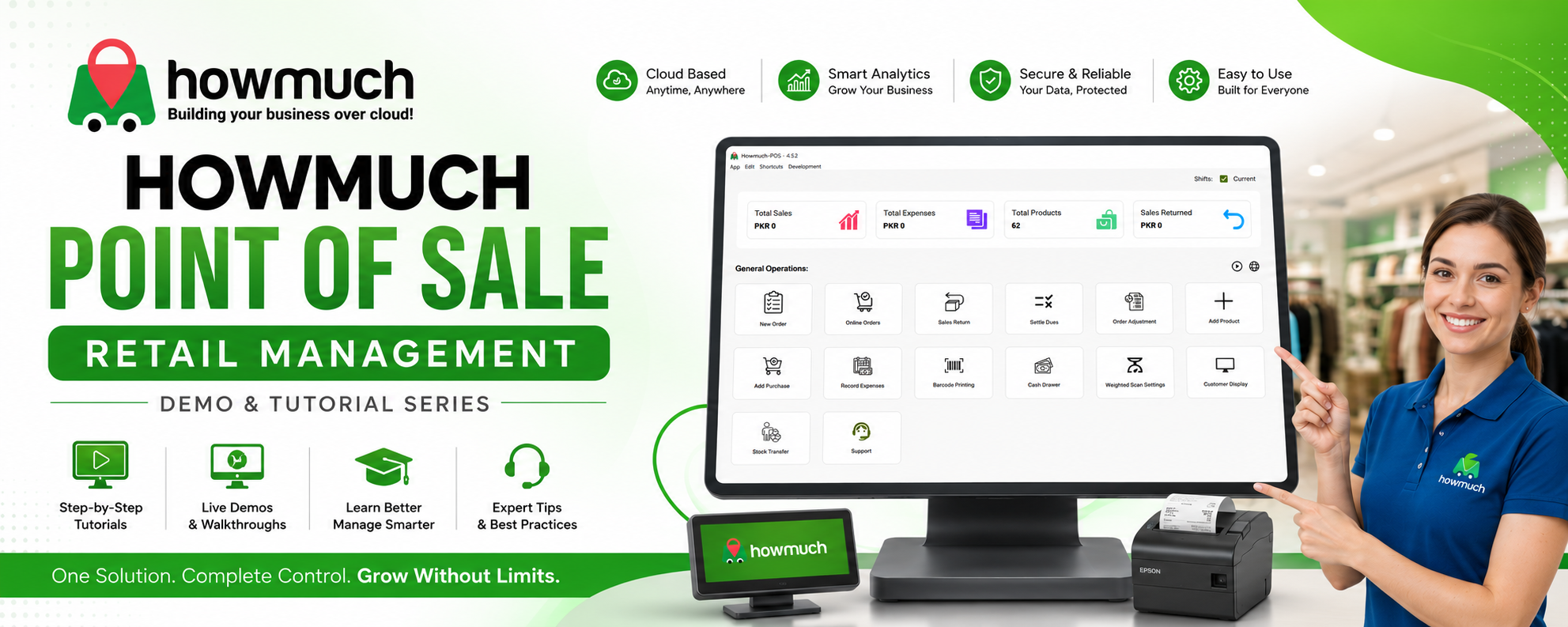

POS Video Tutorials: Quick Guides for Everyday POS Tasks
Use this page to access short, practical video tutorials for the most important POS workflows. Each video is designed to help your team complete daily tasks faster, reduce checkout errors, and handle orders with confidence.
In these tutorials, you will learn how to:
- Main Dashboard Screen: Learn how to navigate the main dashboard, monitor sales activity, and access the key controls your team uses every day.
- Pickup Order: See how to process pickup orders accurately so you can keep handoffs fast, organized, and customer-friendly.
- Delivery Order: Understand how to create and manage delivery orders efficiently to support smooth fulfillment and better coordination.
- Discount Apply Order Level / Item Level: Discover how to apply discounts correctly at both the order and item level to maintain pricing accuracy.
- How to Apply Promotions?: Follow the steps to apply promotions properly and ensure offers are used consistently at checkout.
- Order Payments Methods in POS: Explore the available payment methods in POS so your staff can complete transactions with speed and confidence.
- How to Cancel Order?: Learn how to cancel orders correctly while keeping records accurate and operations clear.
- How to View and Manage Order History?: Find out how to review past orders, check transaction details, and manage order history more effectively.
Here’s what this page helps you do:
- Train staff with clear step-by-step videos
- Improve speed and accuracy at checkout
- Standardize daily POS workflows
- Support smoother pickup and delivery operations
- Make order management easier for store teams
If you want to streamline POS training and give your staff quick access to essential workflows, start with the videos below.
Why These POS Video Tutorials Matter
Your POS system supports every stage of the sale, from order creation to payment and order tracking. With focused video tutorials for each task, your team can learn faster, work more efficiently, and deliver a better customer experience.
These tutorials are especially useful for:
- Onboarding new cashiers and store staff
- Reducing errors during busy sales periods
- Improving order accuracy across channels
- Helping managers review and support team workflows
Takeaway: Well-structured POS video tutorials make daily operations easier, faster, and more consistent for your entire team.