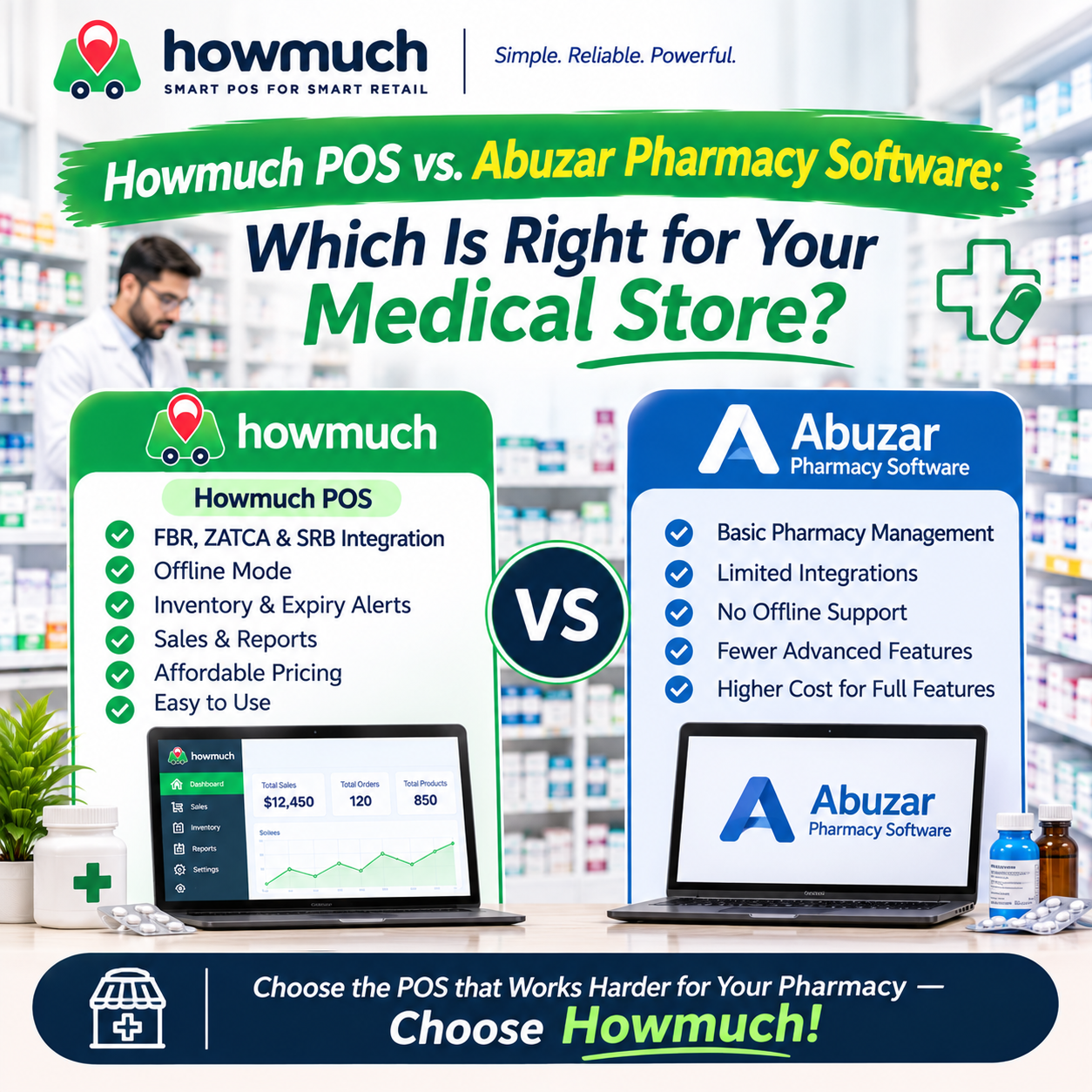
Howmuch POS vs. Abuzar Pharmacy Software: Which Is Right for Your Medical Store?

Choosing pharmacy POS software is about more than printing bills. A medical store must manage a large catalogue, keep stock up to date, record purchases, serve customers quickly and understand where money is going. If the software also needs to handle batches, expiry dates, customer credit or multiple branches, the details matter even more.
Howmuch POS and Abuzar Pharmacy Software both serve businesses in Pakistan, but their public product information is different. Howmuch publishes details about its retail POS features and plans. Abuzar Consultancy describes its broader accounting, inventory and pharmacy offerings, while many package-specific details require a conversation with the company. This comparison explains what pharmacy owners can confirm and what they should check in a demo before deciding.
Howmuch POS: Retail tools for everyday pharmacy operations
Howmuch POS is a retail system that lists medical stores among the businesses it serves. Its published features include billing, inventory, purchase and supplier management, customer records, expenses, cash management and sales reporting. The POS can search for products or scan barcodes, and its purchase workflow updates stock as goods are received. Customer credit and wallet payments are also listed. Howmuch POS features Howmuch pricing and plan details
For pharmacies, Howmuch’s product implementation also includes stock batches, expiry dates and reports for reviewing batches approaching expiry. That makes it possible to review stock by batch and expiry date; pharmacy owners should still ask for a demonstration of how these records are entered and used during billing.
Howmuch describes its service as cloud-based, with offline POS capability and support for devices including Windows, Android, iOS and Mac. Its plans show different limits for users, registers and stores, so a business with several counters or branches should check which plan fits. FBR integration is listed with the Pro plan; confirm the required setup and tax configuration for your business before subscribing. Howmuch POS features and plans
Abuzar Pharmacy Software: Pharmacy and business management
Abuzar Consultancy offers software for pharmacy management alongside other business areas. Its official channel describes WASEELA/WASILA as a business software range and lists pharmacy management among its offerings. It also mentions an FBR POS invoice integration module, but the public description does not specify which package includes it or what setup is required.
Abuzar’s website describes its work in accounting and inventory management and provides contact details for requesting more information. Public materials do not clearly document every pharmacy workflow, supported device, price or support arrangement. That does not mean those features are absent; it means buyers should ask Abuzar to demonstrate them for the specific package they are considering.
Howmuch POS vs. Abuzar: Side-by-side comparison
What to compare | Howmuch POS | Abuzar Pharmacy Software |
|---|---|---|
Product focus | Retail POS; medical stores are listed among the business types served | Pharmacy management is listed in Abuzar’s software range |
Billing and barcode checkout | Product search and barcode scanning are listed | Pharmacy billing is part of the offering; barcode workflow is not publicly detailed |
Inventory and purchases | Inventory, purchase management and supplier records are listed | Accounting and inventory systems are described; package-specific workflows need confirmation |
Batch and expiry | Batch records and expiry review/reporting are present in the product implementation; ask to see the workflow | Not publicly detailed; ask for a live demonstration |
Generic or salt-name medicine search | Not publicly confirmed | Not publicly confirmed |
Box, strip and tablet sales | Not publicly confirmed | Not publicly confirmed |
Customer credit and payments | Credit/wallet payments and customer balances are listed | Not publicly detailed |
Sales, cash and expenses | Sales reports, cash management and expense tracking are listed | Reporting capabilities should be confirmed for the package |
Offline and remote access | Offline POS is advertised; cloud access and supported devices are listed | Deployment and remote access are not clearly specified in public materials |
Multiple stores or branches | Plan details list store limits; confirm what applies to your setup | Multi-branch capabilities are not publicly detailed |
FBR integration | Listed with the Every plan; confirm setup and eligibility | An FBR POS integration module is mentioned by Abuzar; confirm package and setup |
Pricing | Plans are published online; confirm the current quote and included limits | No current public price found; request a quotation |
“Not publicly confirmed” means the feature could not be verified from the public information reviewed. Ask the vendor to show the workflow using a realistic pharmacy example before buying.
Pharmacy features worth checking before you choose
Batch and expiry tracking
A medicine’s batch number and expiry date help staff identify stock and review which items need attention. Howmuch’s implementation includes batch and expiry records and reports for reviewing expiry horizons. During a demo, ask to see how a purchase is recorded by batch and expiry, and how staff find that information later.
For either system, ask whether expired stock is simply reported, can be blocked at billing, or requires a manual check. These are different workflows.
Medicine search and unit sales
Fast search matters when a customer asks for a medicine by brand, barcode or generic name. Howmuch lists product search and barcode scanning, but generic or salt-name search is not confirmed in its public materials. Ask the vendor to demonstrate searches using the names your customers actually use.
Pharmacies may also buy medicines by box and sell them by strip or tablet. Confirm how each system handles pack sizes, unit conversions and stock deduction. Do not assume that a general product or inventory feature covers this pharmacy-specific workflow.
Purchases, suppliers and customer credit
Purchase records and supplier details help owners check what arrived, what it cost and which supplier provided it. Customer credit tracking can also help a store manage regular customers who pay later. Howmuch lists purchase, supplier, credit and wallet features. Ask Abuzar to show how its package records supplier purchases and customer balances, and what reports are available.
Tax and FBR setup
Both vendors publicly mention FBR-related capabilities, but the plan, configuration and integration details matter. Check which tax setup applies to your business, what is included in the quoted price and who will assist with setup. Do this before relying on either system for tax reporting.
How Howmuch can support a medical store’s daily work
Imagine a customer buying several items in one visit. Staff can search the catalogue or scan barcodes, add products to a bill, take payment and print a receipt. For a regular customer paying later, Howmuch lists credit and wallet payment options.
When new stock arrives, the purchase workflow can record the order and update inventory as items are received. For medicines tracked by batch and expiry, ask the Howmuch team to show how staff enter and review those details. An owner can then use the available sales, inventory and expiry reports to review store activity and stock that needs attention.
At closing time, cash management and sales reporting can help the owner compare the day’s activity with the cash drawer. Expense and customer-balance records add context when reviewing business performance. These are useful retail workflows for a pharmacy, although they do not by themselves confirm generic-name search or box-to-strip dispensing.
Which pharmacy should choose which POS?
Howmuch POS may be a strong fit for a medical store that wants retail billing, barcode checkout, inventory, purchases, supplier records, customer credit, cash management and reports in one system. Published plan details and its cloud and offline options also make it worth considering for owners who want access beyond a single counter. Confirm the plan limits and pharmacy-specific workflows during a demo.
Abuzar may suit a business already using its pharmacy software or WASEELA/WASILA products, or one that prefers to evaluate a long-standing local vendor directly. Ask Abuzar to demonstrate the exact billing, stock, reporting, device and FBR features in the package being quoted.
For either option, verify pharmacy specific needs before committing. If your store depends on generic medicine search, strict batch-level dispensing, expiry alerts or selling partial packs, test each workflow with your own products and staff. Ask for a clear answer on what the software automates and what staff must check manually.
Final verdict
For pharmacies seeking a published retail feature set across billing, inventory, purchases, suppliers, customers, cash and reports, Howmuch POS has a clear case to consider. Its batch and expiry reporting, cloud access and advertised offline capability add useful options for day to day store management. Published plans also make it easier to start a price comparison.
Abuzar remains worth evaluating, especially for pharmacies familiar with its system. Its public information confirms pharmacy management and mentions an FBR integration module, but buyers should request a demo and quotation to compare the relevant package fairly.
Before choosing, test both systems with a real purchase, a barcode sale, a customer credit transaction and an expiry review. Explore Howmuch POS, request a demo and confirm that its available features match the way your medical store works.
0 Comments
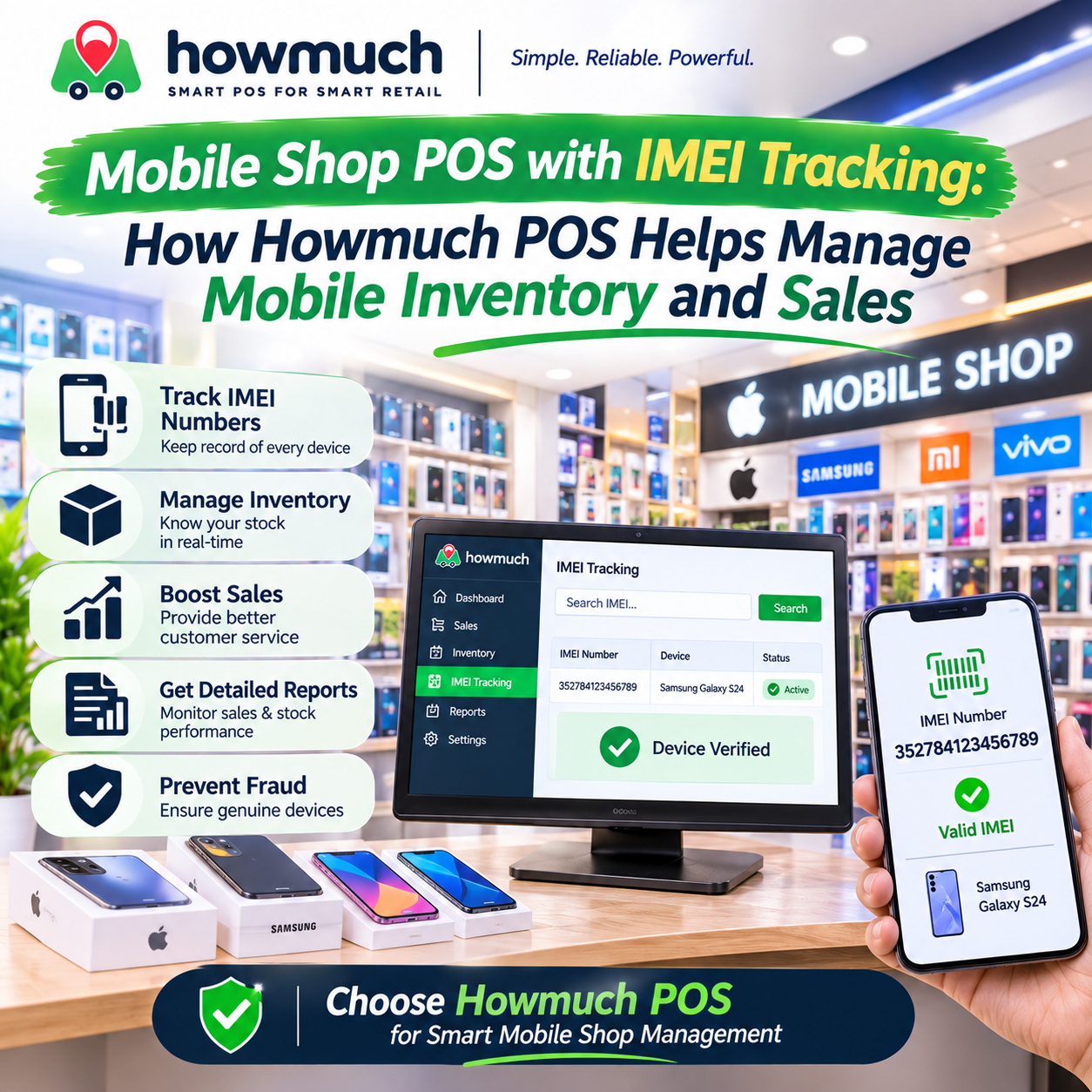
Mobile Shop POS with IMEI Tracking: How Howmuch POS Helps Manage Mobile Inventory and Sales