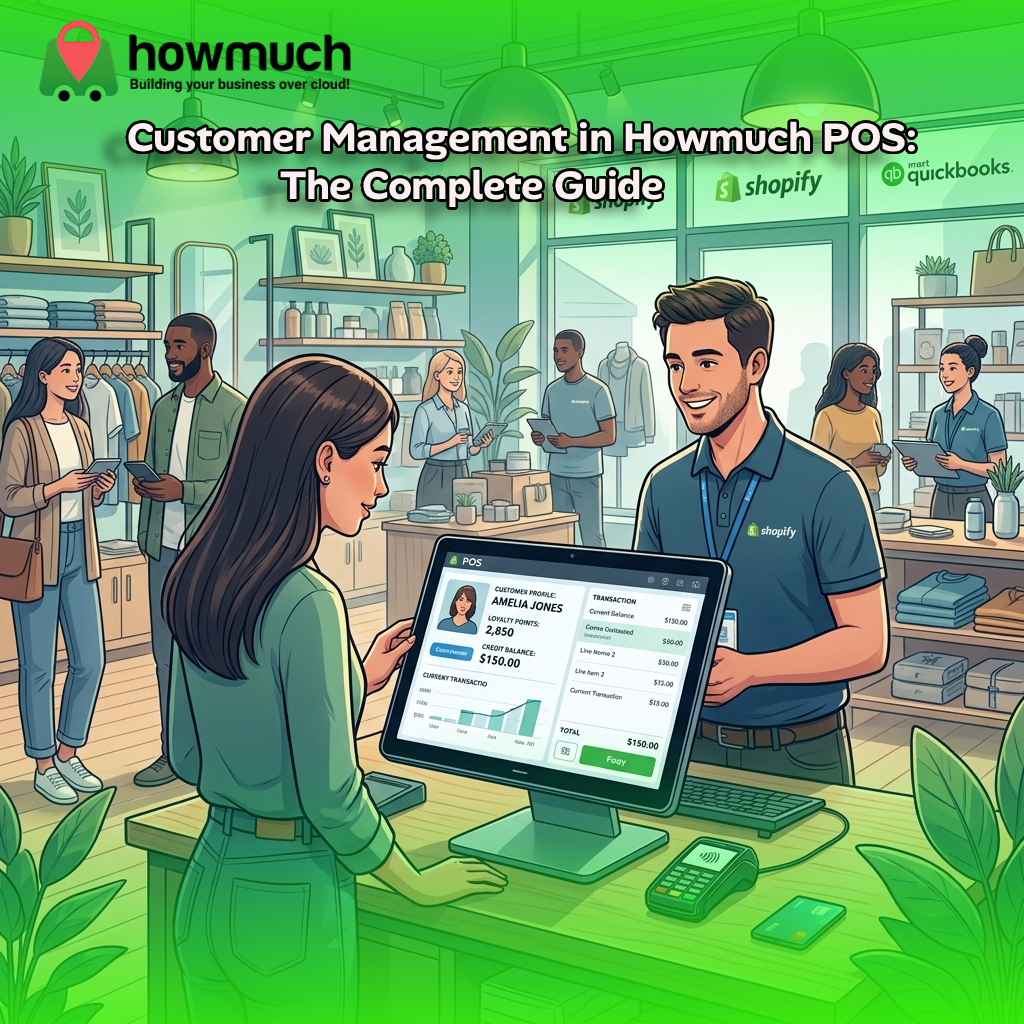
Customer Management in Howmuch POS: The Complete Guide

Customer Management in Howmuch POS: The Complete Guide
Howmuch POS gives every store a dedicated customer record that stores contact details, addresses, and a live picture of what each buyer owes or has paid. Cashiers can register or look up customers right from the order screen, while features like pay-later credit, store credit, and loyalty points turn each profile into a tool for boosting sales and retention.
Knowing your customers is the foundation of a profitable retail business. Yet too many shops still track buyers on paper, in scattered spreadsheets, or not at all losing revenue, repeat sales, and the chance to build real loyalty. Howmuch POS solves this by keeping a clean, accurate record for every person your store sells to, separate from the staff logins your team uses to run the business.
This guide walks through exactly how customer management works in Howmuch POS, from registering a buyer mid-sale to running detailed due reports at month's end. You'll learn how the system prevents duplicate records, manages credit and loyalty, and links buyers to login accounts automatically. Whether you run a single supermarket or a multi-store distribution network, you'll see how Howmuch POS helps you streamline operations, maximize customer retention, and keep your cash flow under control.
By the end, you'll understand every stage of the customer lifecycle and how to put each feature to work in your own store.
What is a customer record in Howmuch POS?
A customer in Howmuch POS is a dedicated record for every buyer your store deals with. It holds contact details, addresses, business information, and a running picture of what that person owes or has paid. Critically, this record is separate from the login accounts your cashiers, managers, and owners use to operate the system.
Howmuch POS draws a clear line between two kinds of people:
- Staff and admin users, who log in to run the business.
- Customers, who are the people being sold to.
A customer doesn't need a password or login to exist. You can register a buyer with nothing more than a name and a phone number. Later, that same customer can be linked to a full login account for example, if they register on your storefront or accept a staff invitation at which point their purchase history becomes tied to that account.
One important detail for multi-store businesses: every customer belongs to exactly one store. The same person buying from two of your locations is tracked as two separate records, one per store, rather than as a single shared profile.
What information does a customer profile hold?
Each customer record in Howmuch POS can capture a detailed set of fields, giving you a full picture of who you're selling to. These include:
- First and last name, or a business name if the customer is flagged as a business account (in which case the business name becomes required).
- Email address, validated to look like a real address.
- Phone number, validated for plausibility and defaulting to Pakistani numbering rules when no other country context is available.
- National identification number, validated as exactly 13 digits to match Pakistan's CNIC format.
- One or more addresses, each capturing address lines, city, country, postal code, and localized fields like building number, neighborhood, and a short address label.
- A business flag, marking whether the customer is a business or an individual.
- A verified status, set automatically once the buyer is linked to a confirmed login account or places an order under one.
To keep your data clean, Howmuch POS enforces two uniqueness rules within each store: no two customers can share the same email, and no two can share the same phone number.
How do you create and update customers?
Howmuch POS gives you three ways to add and manage customers, each suited to a different moment in your workflow.
Creating customers from the POS app
There's no separate "create customer" screen in the POS app and that's by design. When a cashier needs to attach a buyer to an order or a pay-later payment, they simply type into the name, phone, email fields. As they type, the system searches existing customers for that store and shows live matches.
New customer creation from the POS is capped by the store's subscription plan. Once a store hits its allowed customer count, no further customers can be added until the limit is raised.
Creating customers from Shop Admin
Store owners and managers can create and edit customers directly through a dedicated customer management screen in Shop Admin, filling in the full set of profile fields described above.
Importing customers in bulk
Already have a customer list? You can import customers in bulk from a spreadsheet or CSV file. Each row is matched against existing customers by email and/or phone falling back to national ID or first/last name when neither is present so re-importing a file updates existing records rather than creating duplicates. The import can also set a customer's category, address, and an initial loyalty point balance.
How does Howmuch POS prevent duplicate customers?
Duplicate records are one of the most common headaches in retail data, and Howmuch POS handles them automatically. Whenever a customer is saved, the system checks whether another record in the same store already matches on email and phone together, or on email/phone combined with last name.
If it finds a match, the two records merge automatically:
- The most recently entered details take precedence.
- Addresses are combined.
- Any orders or loyalty points attached to the older record are reassigned to the surviving record before the duplicate is removed.
This all happens silently as part of normal saving. Your staff never need to hunt for duplicates or merge them by hand, which keeps your customer list accurate and your reports trustworthy.
How can you organize and segment customers?
Howmuch POS includes two practical tools for grouping customers so you can target them more effectively.
Customer categories (tags): You can assign customers to one or more categories using a free-form tagging system. A cashier or admin can pick from existing categories or type a new name to create it instantly and that new category becomes available for tagging others right away. Categories let you filter and segment your customer list in admin, and they're supported during bulk import too.
Sales member assignment: A customer can be linked to one or more sales staff. This is built for businesses with traveling or independent sales reps, letting you track which customers "belong" to which salesperson.
How do credit, store credit, and loyalty points work?
Beyond simple cash and card sales, Howmuch POS turns each customer record into a flexible payment and rewards hub. This is where you can really boost retention and repeat business.
Pay-later credit wallet
A customer can be sold to on credit through a wallet tied to their record. Before a credit sale goes through, two checks happen:
- The staff member processing the sale must have enough of their own credit-provisioning allowance left to cover it. Each staff member has an individual limit and a running total of credit already extended.
- The customer's wallet must have enough remaining credit its credit limit minus what's currently outstanding to cover the order.
If a customer has no wallet yet, the cashier can open one inline during the credit-payment flow, but only after entering the customer's name, phone or email, national ID, and address. Every credit sale and repayment is recorded as a transaction against the wallet, keeping the outstanding balance accurate in real time, with a return or repayment date captured for each credit sale.
Store credit
Separately from the pay-later wallet, a customer can hold a store credit balance, tracked by currency. Store credit works much like a refund issued back to a customer as credit rather than cash, and you can check the total available per currency at any time.
Loyalty points
A customer can accumulate loyalty points, which are credited as they're earned and debited as they're redeemed. You can configure points to expire after a set number of days, and a store-wide conversion rate determines how much currency each point is worth on redemption. Before applying a redemption, the POS looks up the customer's available (non-expired) balance along with the conversion rate. Loyalty points are only tracked for customers whose stores have the feature enabled.
How does Howmuch POS track order history and balances?
Every order is linked to the customer who placed it, so a full order history is always available. Each customer record also keeps two running figures up to date automatically:
- An outstanding order balance, the sum of unpaid amounts across all their orders.
- A refunds-owed figure, covering money due back from returns.
These figures are cached and refreshed whenever the underlying orders change, so they stay accurate without being recalculated from scratch on every screen. Any wallet or credit payments that haven't been fully settled are tracked individually too, so your staff can see exactly which credit payments still carry an outstanding amount.
Can a customer become a supplier?
Yes. A customer can be invited to become a supplier to the store, turning a buy-side relationship into a vendor one. Sending this invite requires the customer to have a phone number or email on file, and only one active invite can exist at a time you can't send a new invite while a previous one is still in progress.
What reports are available for customers?
Shop Admin provides several customer-focused reports, each exportable as CSV, Excel, or PDF:
- Customer due report: lists customers with an outstanding balance, combining unpaid order amounts and outstanding wallet balances, with totals for the whole list.
- Customer ledger report: lists every completed order for each customer, with its total, amount paid, outstanding amount, and any discount applied.
- Customer wallets report: lists the orders paid for, in full or in part, using a customer's pay-later wallet.
- Top customers dashboard widget: a quick summary of your best buyers.
All reports respect store scoping and the permissions of the admin running them. The due report and ledger are available to stores whose subscription plan includes advanced reporting.
Who can manage customers? Permissions explained
Customer management in Shop Admin is tiered by role, so you stay in control of who can do what:
- Store owners can fully manage customers creating, editing, deleting, and restoring them.
- Store managers can create, view, update, and restore customers, but cannot permanently remove them.
- Store staff can view and update existing customers, but cannot create new records or restore deleted ones from the customer management screen.
On the POS app, any staff member taking an order can still enter a new buyer's details as part of attaching a customer to a sale. This happens through the order-taking flow rather than the standalone screen, and is limited by the store's subscription customer cap rather than the role-based rules above.
How does customer management work across multiple stores?
Customers are scoped to a single store. The same person buying from two locations in a multi-store business shows up as two separate records, one per store. A staff member with access to more than one store can view and manage customers in each store they're assigned to, but the lists themselves never merge across stores.
For businesses that sell wholesale to another store acting as a buyer a virtual supplier arrangement a customer record can also represent that purchasing store rather than an individual end-user.
Putting it all together: the customer lifecycle
Here's how the full lifecycle plays out in everyday use:
- A buyer is identified for the first time by a cashier searching at the POS, an admin entering them in Shop Admin, or a bulk import.
- If the details match an existing customer, the system merges into that record automatically.
- The customer can be tagged with categories, assigned to a sales member, and given addresses.
- As they place orders, their history accumulates and their balances update automatically.
- If the store offers pay-later sales, a credit wallet can be opened, after which staff can sell on credit up to both the customer's limit and the employee's allowance.
- Store credit and loyalty points accrue and can be redeemed at checkout.
- When the buyer's contact details match a login account or they accept an invitation their record is linked and verified.
- Admins review standing through the due, ledger, and wallet reports, and can delete, restore, or invite customers as needed.
Take control of your customer data
Strong customer management isn't just record-keeping it's the engine behind repeat sales, reliable cash flow, and lasting loyalty. Howmuch POS brings every piece together: fast registration at the point of sale, automatic duplicate merging, flexible credit and loyalty tools, and clear reports that show exactly where each customer stands.
If you're ready to streamline operations and maximize customer retention, the next step is simple. Explore the customer management features inside Shop Admin, set up your categories and loyalty rules, and start building accurate profiles from your very next sale. T
Frequently asked questions
Do customers need a login or password to be added in Howmuch POS?
No. A customer can be registered with nothing more than a name and a phone number. A login account is optional and can be linked later either automatically when contact details match an existing account, or through an invitation sent by an owner or manager.
How does Howmuch POS stop duplicate customer records?
Whenever a customer is saved, the system checks for an existing record in the same store matching on email and phone together, or on email/phone plus last name. If it finds one, the records merge automatically: recent details take precedence, addresses combine, and any orders or loyalty points move to the surviving record.
Can I sell to a customer on credit?
Yes. Each customer can have a pay-later credit wallet. Before a credit sale completes, the customer's wallet must have enough remaining credit, and the staff member must have enough of their own credit-provisioning allowance. Opening a wallet requires the customer's name, contact details, national ID, and address.
Which reports help me track what customers owe?
The customer due report lists everyone with an outstanding balance, combining unpaid orders and wallet balances. The customer ledger details every completed order with amounts paid and outstanding. Both are available to stores on a plan that includes advanced reporting.
0 Comments
Choosing the Best Mobile POS System for Small Businesses