Choosing the Best Mobile POS System for Small Businesses

Could your phone support checkout without disconnecting sales from stock records? The best mobile POS system for a small business should combine convenient payments with useful inventory controls, clear costs, and a plan for internet outages. Our cloud-based POS supports online and offline sales, retail management tools, and contactless acceptance with an NFC-enabled smartphone. Our overview of mobile POS for small retail shops explores how mobile checkout can work beyond a fixed counter.
For U.S. retailers, card acceptance matters, but cash remains relevant too. The Federal Reserve’s 2026 summary of its 2025 survey found that 40% of consumers preferred debit cards for in-person payments, 38% preferred credit cards, and 16% preferred cash. That makes payment choice, outage handling, and sales records practical selection criteria, not optional extras. Look beyond the app itself to the hardware and processing terms your day-to-day operation requires.
Mobile POS systems at a glance
| Rank | System | Published software cost | Mobile setup | Offline operation |
|---|---|---|---|---|
| 1 | Howmuch | Free, Standard, Premium, Pro, and custom plans; prices are not specified | NFC-enabled smartphone for contactless acceptance; no extra payment terminal required for that feature | Online and offline sales, with synchronization after connectivity returns |
| 2 | Square | Free POS software; Square Free lists 2.6% plus $0.15 for in-person card payments | Tap to Pay on iPhone or Android; additional hardware is optional for phone acceptance | Offline payments are listed; check the applicable acceptance terms |
| 3 | Lightspeed | Retail X-Series Basic listed at $89 per month | iPad checkout, with a separate mobile scanner app for inventory tasks | Offline mode supports limited tasks; some functions and payment options are unavailable |
| 4 | Shopify | Basic listed at $39 per month; POS Pro adds $89 per month per location | Smartphone or tablet with a Shopify card reader to take payments | Confirm offline payment handling before relying on it |
1. Howmuch
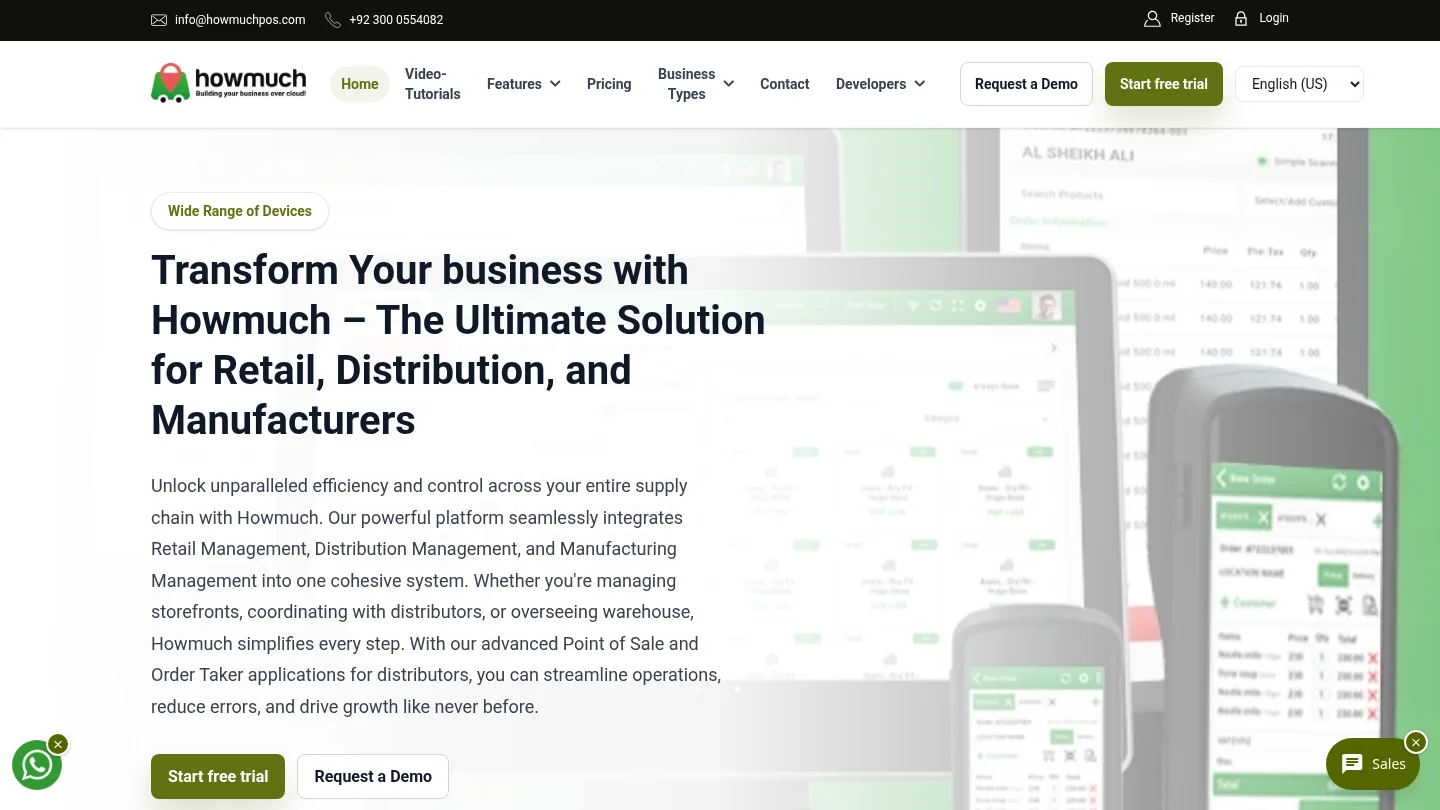
Best for: Small retailers who want sales, inventory, and store-management tools with smartphone contactless acceptance, after confirming U.S. payment processing for their account.
Our platform combines point-of-sale transactions with cloud-based tools for sales, purchases, inventory, suppliers, customers, expenses, staff, reporting, and multiple locations. It operates online and offline, then syncs with the server when connectivity returns. A phone needs NFC to accept contactless cards without an additional payment terminal. See our POS software for small businesses overview for more on connected retail workflows.
Our site states that more than 500 businesses trust our platform. Retail customers describe improved control of store operations and timely low-inventory alerts. Those are individual customer experiences, not guaranteed outcomes. Our plans include Free, Standard, Premium, and Pro options, plus custom packages, with monthly or yearly billing. Prices and the detailed feature allocation by plan are not specified here.
Pros:
- Combines mobile payment acceptance with broader retail operations, so sales and inventory are managed within one platform.
- Offline operation supports sales continuity during network outages, followed by synchronization when service returns.
- Contactless card acceptance uses an NFC-enabled smartphone without an additional payment terminal.
Cons:
- Phone-based acceptance requires NFC, and you should confirm U.S. processor, card-network, and phone-model support before relying on it.
2. Square
Best for: U.S. small businesses that want a familiar phone-based payment setup and a free starting point for POS software.
Square supports Tap to Pay on iPhone and Android, letting a business accept contactless cards and digital wallets with a phone. Its pricing page lists free POS software and an in-person rate of 2.6% plus $0.15 per transaction on the Free plan. Paid plans and additional features can change the overall cost, so compare the current pricing with your sales volume and operational needs.
Pros:
- Phone-based contactless acceptance is available on iPhone and Android, without requiring a separate reader for that method.
- Free POS software gives a small business a low-cost way to start using a digital checkout system.
- Offline payments are listed as a feature, which is useful to consider when connectivity is inconsistent.
Cons:
- Card-processing fees apply, and transaction costs rise as card sales increase.
- Businesses needing more advanced retail workflows should compare which features are included in each plan.
3. Lightspeed
Best for: Retailers with detailed stock needs, multiple product variants, or several locations to manage.
Lightspeed Retail combines inventory tools with mobile workflows. Its mobile approach includes iPad checkout and a separate Scanner app for tasks such as stock counts and inventory updates. The U.S. Retail X-Series pricing page lists Basic at $89 per month. Its offline mode has limits: support documentation describes cash transactions and other restricted tasks, with some customer and inventory functions unavailable until the system reconnects.
Pros:
- Retail inventory features cover stock counts, purchase orders, transfers, and supplier workflows.
- A mobile scanner app supports stock tasks away from the main checkout counter.
- Published U.S. pricing gives retailers a starting point for comparing subscription costs.
Cons:
- The published Basic subscription starts at $89 per month, which creates a recurring cost before payment processing.
- Offline mode is limited, so it does not provide the same range of inventory and customer functions available online.
4. Shopify
Best for: Small retailers already using Shopify to manage an online store and looking to add in-person sales.
Shopify POS connects in-person and online selling through its commerce platform. Its U.S. pricing page lists Basic at $39 per month, with in-person card rates starting at 2.6% plus $0.10. POS Pro adds $89 per month for each location. To begin taking payments, Shopify says you need a smartphone or tablet and a Shopify card reader. That reader requirement is an important hardware cost to include in your comparison.
Pros:
- Online and in-person sales use the same commerce platform, which suits retailers already operating a Shopify store.
- The published pricing page explains the additional subscription cost for POS Pro locations.
- Businesses can add hardware accessories as their checkout setup expands.
Cons:
- Using POS Pro adds a recurring per-location charge to the main Shopify subscription.
- Phone or tablet checkout requires a Shopify card reader for payment acceptance.
What should you check before choosing?
Start with payment acceptance: confirm which devices, card types, and processors your account supports. For tap-to-pay on a phone, check that the device has NFC and that your chosen provider supports the intended setup. The PCI Security Standards Council maintains mobile payment acceptance standards for solutions that use commercial devices such as phones and tablets. Ask the provider what security validation applies to its particular payment solution.
Next, add the full cost of monthly software fees, transaction charges, required readers, and paid features. Test what still works when the connection drops, including taking orders, viewing stock, and completing payments. If you sell products across more than one location, check whether inventory syncs between them. Our article on mobile POS solutions for growing businesses discusses how mobile workflows can extend beyond checkout.
Finally, consider sales reporting and recordkeeping. The IRS says businesses can choose a recordkeeping system suited to their needs, as long as it clearly shows income and expenses. Use IRS recordkeeping guidance as a reference when checking whether a POS system’s reports support your bookkeeping process. Before committing, find the best POS for your business by matching its everyday tasks to your budget and hardware.
Choosing the right mobile POS
The right mobile POS for a small business should fit your checkout routine, stock needs, payment methods, and tolerance for recurring fees. Our system stands out for retailers seeking mobile contactless payments alongside broader sales and inventory tools, with offline operation for connectivity interruptions. Before adopting it in the U.S., confirm payment processing for your account and phone. If ready-made U.S. phone payment options are your priority, compare Square’s setup and fees; choose Lightspeed for deeper retail inventory workflows or Shopify for an established Shopify store.
Explore mobile POS for your retail business
Whether you sell from a shop floor, a market stall, or more than one location, the POS should support your everyday checkout and stock tasks. Consider how your team will take payments, manage inventory, and keep sales records when the internet is unreliable.
Our cloud POS supports online and offline operations, with tools for sales, purchases, inventory, customers, suppliers, expenses, staff, reporting, and multiple locations. Choose from Free, Standard, Premium, or Pro plans, or contact us about a custom package. Subscriptions are billed monthly or yearly, and you should confirm current prices and feature allocation before choosing. Our software is compatible with web, Windows, Android, iOS, Mac, and Linux. We do not provide hardware support, but can recommend vendors. Explore our mobile POS system for your small business and confirm U.S. payment compatibility for your intended device.
Frequently Asked Questions
Can a mobile POS accept payments without a card reader?
Some providers support phone-based contactless acceptance without a separate reader. The phone and payment setup must meet the provider’s requirements, including NFC support where needed.
Can a mobile POS keep working when the internet goes down?
Offline functions vary by system. Check whether your chosen POS can save sales, take payments, view stock, and sync transactions after reconnection.
What costs should a small business compare?
Compare the software subscription, payment-processing fees, card readers, and any paid features your operation needs. A free software plan can still involve transaction fees.
Can I use my existing smartphone?
Possibly, but device compatibility depends on the POS and payment provider. For phone-based contactless acceptance, confirm NFC support and that your exact phone model is eligible.
Which mobile POS is best for inventory management?
Lightspeed is a strong option for retailers with detailed stock and purchasing workflows. Our POS also combines inventory tools with sales, supplier, and customer management, alongside online and offline operation.
0 Comments
Mobile Shop POS with IMEI Tracking: How Howmuch POS Helps Manage Mobile Inventory and Sales