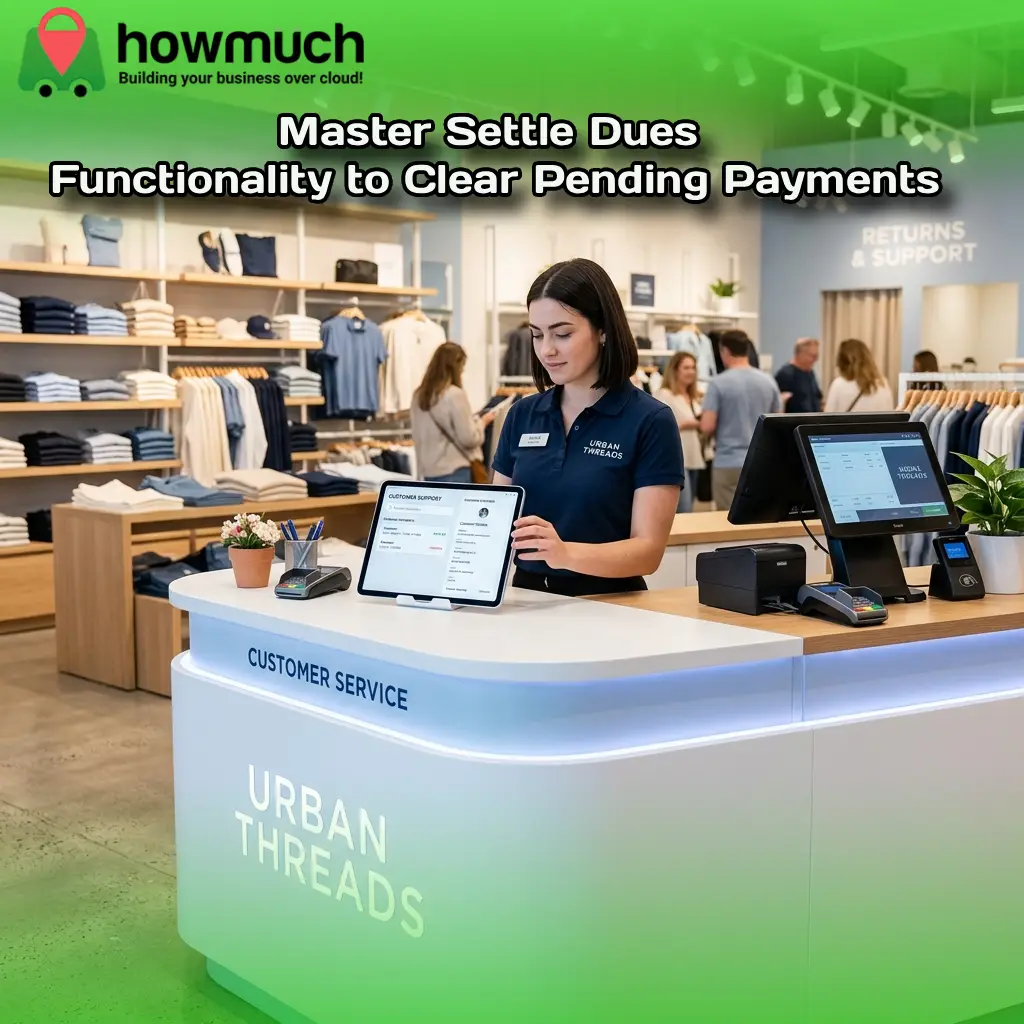

Running a successful retail store requires more than just making initial sales. You need a highly reliable way to track and collect the money owed to your business. When customers make partial payments, tracking those outstanding balances manually quickly becomes a logistical nightmare for your staff. Lost records and billing disputes can rapidly damage your hard-earned revenue and customer relationships.
This is where settle dues functionality becomes a vital component of your daily operations. By using a modern Point of Sale (POS) system, you can easily monitor credit sales and ensure every transaction is eventually paid in full. It gives you the power to manage your cash flow accurately while maintaining a high level of customer satisfaction.
In this guide, you will learn exactly what settle dues functionality is and how it operates within a retail management system. We will explore the step-by-step process of clearing pending payments and highlight the specific benefits for both your business operations and your buyers.
Understanding Settle Dues Functionality
Settle dues functionality refers to the specific process of collecting the remaining unpaid amount from a customer after an order is already completed. If a shopper buys something from your store but does not pay the full invoice upfront, the leftover amount becomes a "due." Settling these dues simply means clearing that pending amount once the final payment is received.
Consider a common real-life example found in many department stores, supermarkets, or B2B supply chains. A customer shops at your store today and pays only a portion of their total bill. A few days later, they return to the store or send a digital payment to cover the remaining balance. Once your staff records this second transaction, the due is officially settled. The system updates the account automatically, and the order is marked as fully paid.
How the Settlement Process Works Step-by-Step
Clearing pending payments should never be a complicated process for your workforce. A robust retail management system automates the heavy lifting and provides a beginner-friendly workflow. Here is a clear breakdown of how the settlement process operates within a modern POS application.
Step 1: The System Identifies Unpaid Orders
Your application automatically highlights completed orders where a specific amount is still pending. This intelligent filtering eliminates the need to dig through paper receipts or complex spreadsheets to find out who owes your business money.
Step 2: Dues Are Organized by Customer
Your staff can view each customer’s total outstanding due, the amount they have already paid, and the specific orders associated with those balances. This clear organization prevents confusion when a buyer asks for their current account status.
Step 3: Staff Can Search and Filter Records
Retail employees can quickly locate a specific buyer by searching for their name or phone number. They can also filter records by specific date ranges. This allows your accounting team to audit older pending payments efficiently.
Step 4: Staff Opens a Specific Due Order
For any order with an outstanding balance, the cashier or manager simply selects the "settle" action within the POS interface. This initiates the collection process immediately.
Step 5: Payment Details Are Entered
The staff member fills in the specific payment details provided by the customer. This includes the payment date, the payment method used, the exact amount collected, and any optional notes relevant to the transaction. Payment methods easily range from cash and card to bank transfers.
Step 6: The System Checks Important Rules
Before finalizing the transaction, the software runs a few critical validation checks to prevent human error. It ensures that the payment date is valid and not set in the future. It confirms that the entered amount is numeric and greater than zero. Finally, it verifies that the payment amount does not exceed the total pending due on the account.
Step 7: Payment Is Saved and the Due Is Updated
After a successful submission, the application instantly refreshes your data. The outstanding balance is reduced or completely cleared, keeping your financial records perfectly accurate and up to date.
Why Settlement Management is Crucial for Retailers
Managing pending payments effectively directly impacts your store's profitability and reputation. Implementing a structured process for settling dues offers distinct advantages for both your internal store operations and your loyal customers.
Benefits for Your Business
Tracking credit sales accurately gives you unparalleled efficiency and control across your entire supply chain. It keeps your financial records clean and highly organized. By knowing exactly who owes you money, you improve your cash flow visibility and reduce internal confusion. Your staff can track customer balances quickly from a single screen, allowing them to focus on generating new revenue rather than chasing down old debts.
Benefits for Your Customers
A transparent settlement process greatly enhances customer satisfaction. It provides shoppers with a clear, accurate payment record every time they interact with your store. This level of professionalism builds deep trust because customers know their dues are tracked properly. It completely prevents issues like overcharging or duplicate collection efforts, making follow-up payments simple, fast, and highly transparent.
Enhance Your Operations with Howmuch POS
To truly optimize your retail operations, you need software designed to handle complex transactions effortlessly. Howmuch provides the ultimate solution for retailers, distributors, and manufacturers looking to scale their operations efficiently.
Our intuitive web portal provides store owners with real-time insights and comprehensive management tools to oversee every aspect of their business from a single dashboard. The robust POS application works seamlessly online and offline, ensuring your transactions are always smooth, even during peak sales periods or unexpected internet outages.
Howmuch also offers an innovative mobile payment solution. You can turn your NFC-enabled smartphone directly into a payment terminal. This Tap & Pay feature allows your customers to simply tap their contactless cards against your phone to complete transactions instantly. With secure, end-to-end encryption, you can collect pending payments quickly and safely from anywhere on the shop floor.
Frequently Asked Questions About Settle Dues Functionality
Can mobile POS systems process settle dues transactions?
Yes. Advanced mobile POS applications allow your staff to settle dues directly from a smartphone or tablet. This mobility ensures you can process pending payments on the shop floor or during off site deliveries without being tied to a traditional cash register.
How does tracking pending payments improve customer retention?
Customers prefer shopping at stores that offer flexible, transparent payment options. By tracking dues accurately, you eliminate billing errors and disputes. Providing a smooth, professional payment experience builds trust, encouraging shoppers to return to your store for future purchases.
Will settle dues functionality integrate with my existing accounting software?
High quality retail management systems seamlessly integrate with popular third-party accounting applications. This integration ensures that whenever a due is settled in your POS, the payment data automatically syncs with your financial ledgers, eliminating the need for manual data entry.
Take Control of Your Store's Cash Flow Today
Settle dues functionality is a highly practical way to manage pending customer payments. It helps retail stores easily identify unpaid amounts, collect payments in a controlled manner, and keep customer accounts perfectly accurate. It turns pending money into confirmed revenue with absolute clarity for everyone involved.
Boost your sales and maximize customer retention by upgrading your payment tracking systems. When you streamline your financial operations, you create a vastly superior shopping experience that keeps buyers coming back.
Unlock the full potential of your business by integrating a smarter retail management platform. Explore the powerful features of Howmuch POS today and discover how our advanced tools can transform your daily operations.